Good Grants
What is Good Grants?
Good Grants is a grants management software that helps us manage data securely and more easily. It will be the platform we use to intake new applications for future funding calls, as well as intake grant reports and manage communications with our current grantees.
As of September 2024, we are switching over to using Good Grants, a software that allows for better management of documents being submitted to us.
The URL for accessing Good Grants is: https://undergroundexplorersprogram.grantplatform.com/
Logging in for the first time
Please go to the URL https://undergroundexplorersprogram.grantplatform.com/ to begin log in. We have already created an account for all UEP grantees.
You will need to type in your email (the one you applied to UEP with).
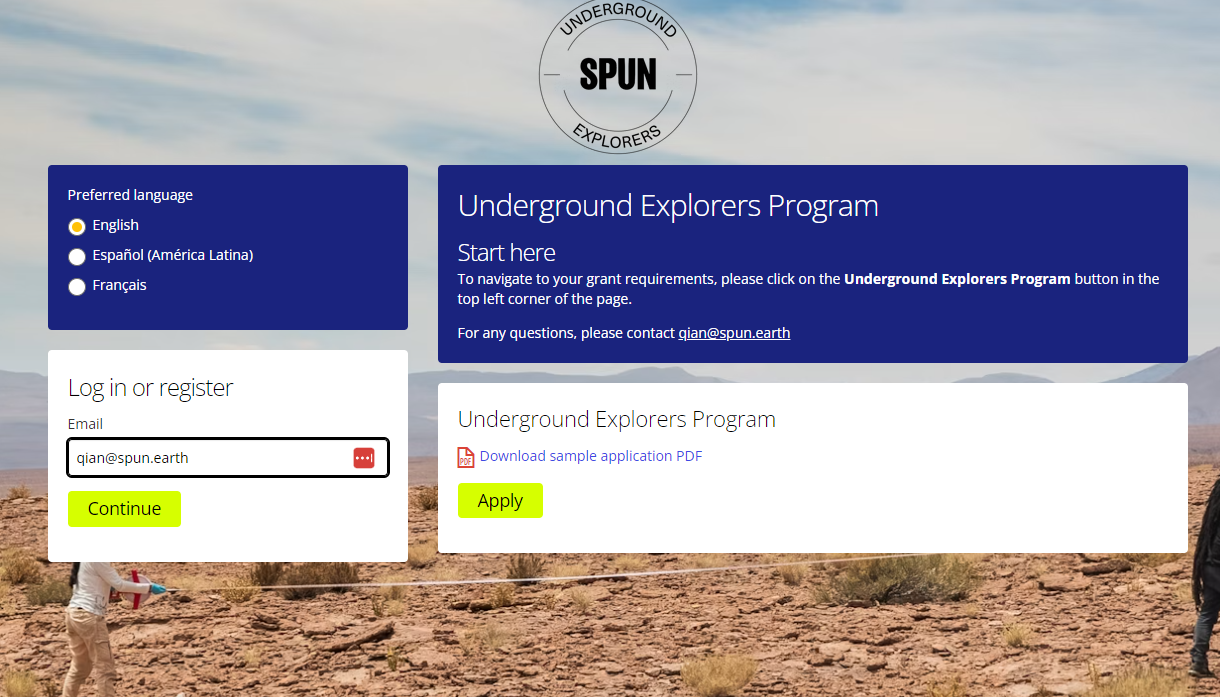
Then click "Forgot Password".
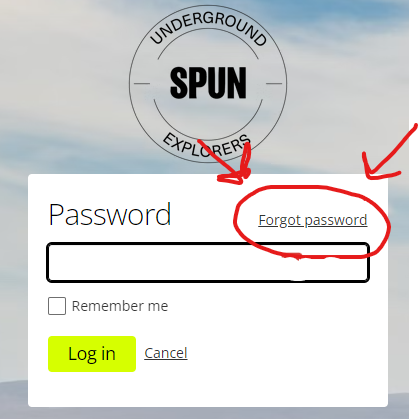
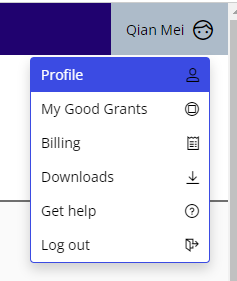
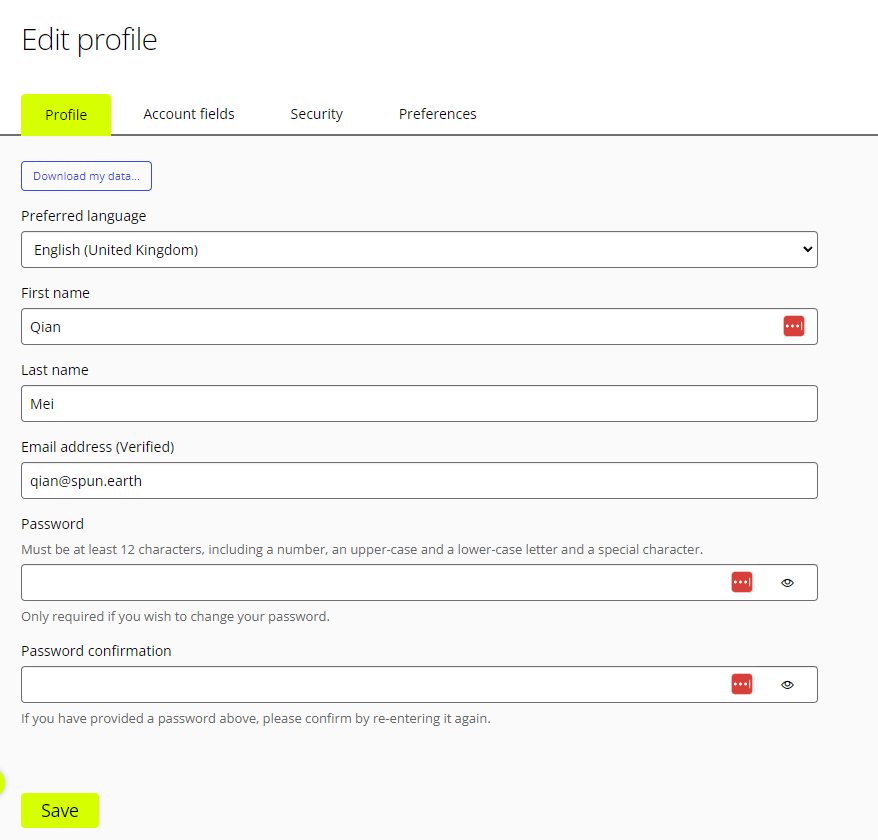
A one time six-digit code will be sent to your email. You will be able to log in with the six-digit code. Then you can go to your profile to change your password to a permanent password of your choosing. To do this, go to your profile in the upper right corner of the page where it says your name. Then click "Profile" in the drop down menu. Then you can change your password.
Accessing and completing your grant requirements
This is the front page that you will see. For accessing the grant requirements and instructions, click on the “Underground Explorers Program” button in the very top left of the window (marked in blue).
Once you have clicked on the Underground Explorers Button, you will see in the sidebar two menu items: Applications, and Grant reports. Click on “Grant reports” (highlighted in yellow). In this page you will see all of the submissions that you should fill out, and when they are due.
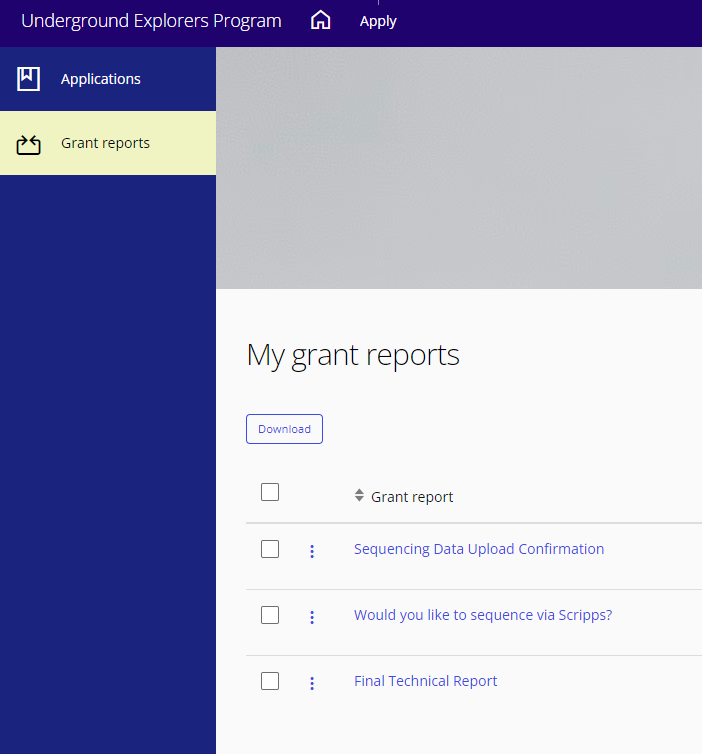
The instructions for each requirement are in the links for the “grant report”. You will find all the information you need in those pages.
All grant requirements, footage, sequencing, final report, and expense report+receipts will be submitted via Good Grants.